
MG Gas: from a PDF for customers to a catalogue with private prices and online orders
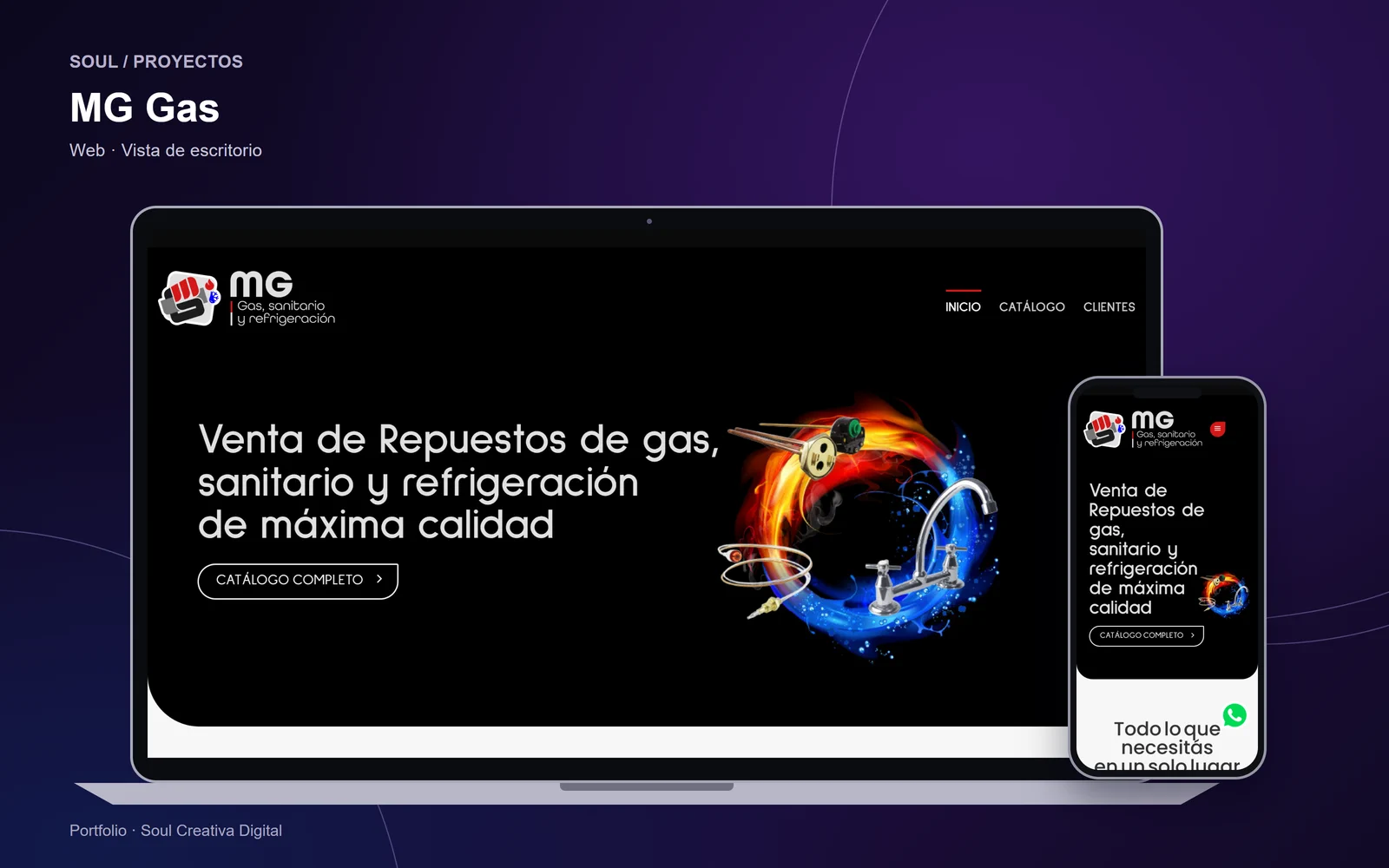
Some businesses need to sell online but don't need a traditional checkout. That was the challenge with MG Gas, a spare parts business that works with customers who already have a trading relationship and with its own pricing and invoicing system.
The starting point: a private price list
At first, the client had a password-protected page where they shared a PDF price list. It was a practical solution for a while, but buyers were still looking at a list with no photos, categories or product pages to help them recognise a part.
I built a catalogue in WordPress and WooCommerce to show products by category and code. I also prepared tutorials and training so the business could manage its own information. In that first stage there was no cart or online purchase: the priority was to organise the catalogue and make it visible.
Once the catalogue was in use, new needs appeared
The client gradually added images, names and product variations. When they decided to launch the catalogue, they got feedback: some buyers wanted to find parts more easily and, above all, needed to see prices without relying on the old PDF.
That's where we worked on a second stage. The public website keeps the product pages and navigation, but prices are shown to approved customers. The business can register them, and they log in to a flow where they select products and send an order.
There's no online payment: the order is received and the sale is arranged outside the site, with prices subject to the business's confirmation. That matches how they really operate and avoids imposing an e-commerce process they don't need.
The hidden problem: updating prices twice
The business already used a management system that exported its own spreadsheet. WooCommerce needs a different format to import or update products. Asking them to manually copy prices into a second spreadsheet meant duplicating work and opening the door to mistakes.
I developed a custom tool inside the WordPress dashboard: it takes the file exactly as it comes out of the client's system, recognises the product codes, maps the fields to WooCommerce and updates the data, especially prices, without rebuilding the catalogue.
A direct integration with the management system can be considered at a later stage. What we solved now was the specific bottleneck: using the spreadsheet the business already knows how to generate.
Designing a store means understanding how a business sells
The value of this project isn't only in programming access restrictions or an importer. It's in listening to what happens when real customers use the catalogue and adjusting the journey so it's useful.
Not every business sells the same way. Development has to adapt to the sales process, not the other way around.
See Soul Creativa Digital's work: soulcreativadigital.com.ar/en/projects.html